

Restaurant point of sale that checks out fast and keeps your customers coming back
Printed kitchen tickets, tips, split bills, and recipe-based inventory all on a tablet. And since you register your customer during the checkout process just by scanning their Swirvle QR code, you'll know who has stopped coming in, and the system will send them a coupon to win them back.
Swirvle is the point-of-sale system for restaurants, diners, taco shops, and pizzerias that checks out customers fast and keeps track of them so they come back.
Food businesses already using Swirvle
It connects everything... from the moment you are charging the customer, you recognize them, and you can follow up and register points right from the POS.

Daniel C.
Lapofenia
For the customer, it's very simple... usually, when they come in and redeem their reward, it generates an additional sale for the liter they are taking.

César G.
Chili Co.
15 min demo
Schedule a 15-minute demo and discover the point of sale that also retains customers
Free video call demo: see the POS system processing payments in a business like yours and walk away with your quote.
Features
Made for the pace of a restaurant
Rush hour, takeout and counter orders, modifications on top of modifications. Swirvle's POS is designed for your team to cash out quickly and never lose track of a thing.

Tickets and open orders
Each order is printed for the kitchen, and you can serve multiple customers at the same time without mixing up bills.
Every order prints for the kitchen
Several open orders at once, without mixing up bills
For counter, takeout, and dine-in
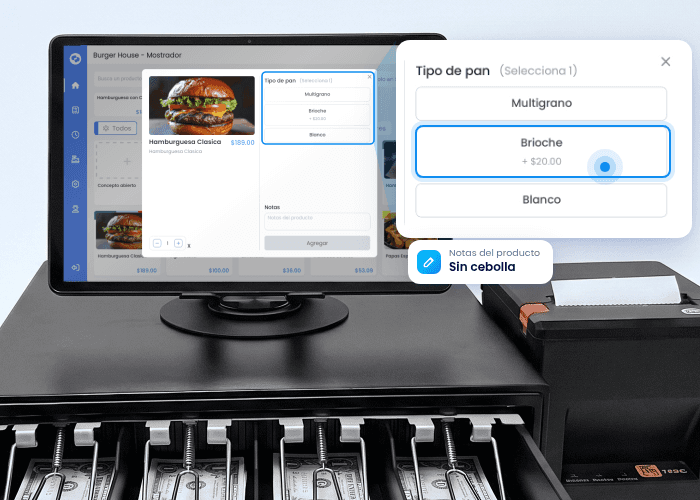
Modifiers and combos
"With everything," "no onions," "extra cheese," or the combo of the day: every choice deducts the exact amount from the inventory.
“Everything on it,” “no onions,” or “extra cheese” in one tap
Set up the combo of the day once and charge it in seconds
Every choice deducts the exact amount from inventory

Dishes and recipes
You sell the dish and Swirvle deducts its ingredients. No manual counts.
Every dish with its ingredients and quantities
They’re deducted automatically with each sale
No manual counts at closing
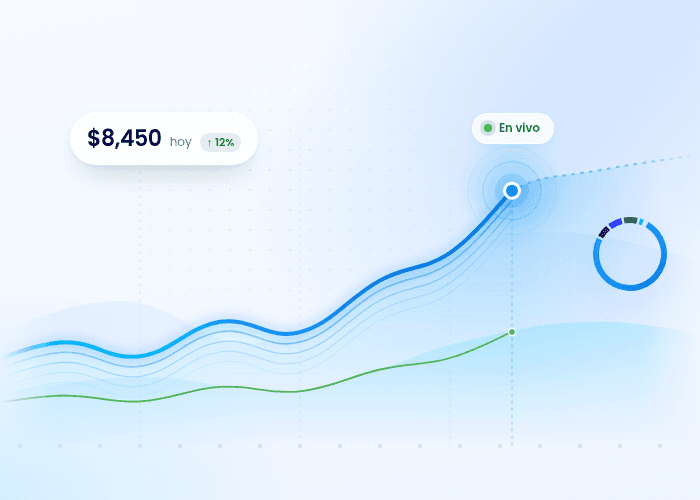
Live reports
Real-time sales, profits, and best-selling dishes, without waiting for the register to close.
Sales, profits, and best-selling dishes in real time
Filter by date and by branch
No waiting for the end-of-day cash count

Record the tip in the same charge
Split the bill when groups arrive
Clear tips at register closing
Charge the same bill using multiple payment methods

Each server logs in with their own PIN
Their own tablet and cash count, or a shared fixed terminal
See how many customers each server registers

Your stock updates with every sale
Record what you buy from each supplier
Costs and stock receipts in one place

All your branches on one dashboard
Review sales and cash counts for each branch
Your data lives in the cloud: if a tablet fails, it’s still there
Opening and closing with counted cash
Deposits and withdrawals with who and why
What was sold for each dish during the shift
By percentage or fixed amount
With expiration date and usage limits
Only for the dishes or categories you choose
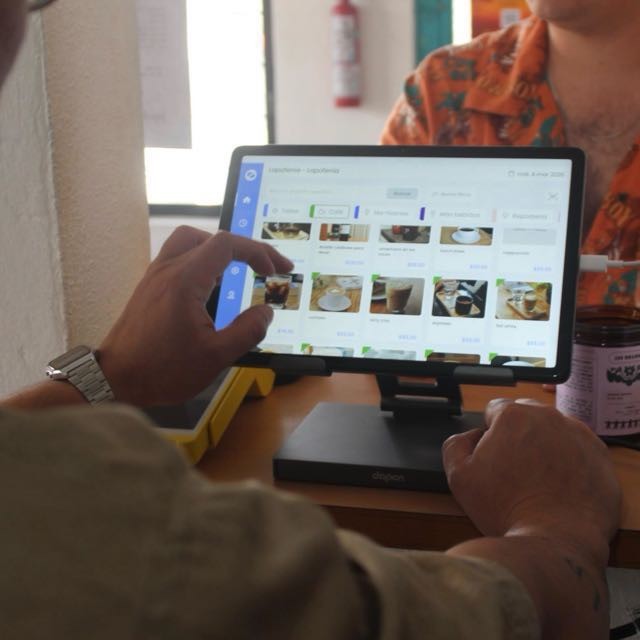
POS and checkout system for restaurants, diners, and taquerias
In a small restaurant, checkout gets bogged down in three places: the order that gets lost between the counter and the kitchen, the check for a group that wants to split the bill, and the end-of-day register closure. Swirvle's point-of-sale system is built for those three moments.
You take orders at the counter, for takeout, or at the table, and each kitchen ticket is printed automatically. You can keep multiple orders open at the same time without mixing up checks, so the table that ordered dessert later doesn't get confused with the takeout order that just came in. Everyday modifications ("no onions," "with everything," the daily combo) take a single tap and automatically deduct what they use from inventory.
When it's time to pay, you record tips in the same transaction, split the check when groups come in, and charge a single bill using multiple payment methods. Each server logs in with their own PIN: they can work on their tablet with their own shift closure or share a fixed terminal, and at the end of the shift you see how much they sold, how much they made in tips, and how many customers they rang up. If you want to streamline that closing process, here we explain how to do a daily cash register closure step by step.
It works just as well for a local diner with a daily special, a taqueria with high takeout volume, or a pizzeria taking phone orders. And if you cook with standardized recipes, Swirvle deducts the ingredients for every dish sold; to price each item accurately, check out how to calculate the cost of a dish.
What it does and what it doesn't do yet
It does | Not yet |
|---|---|
Printed kitchen tickets | Table layout map |
Multiple orders open at the same time | Kitchen display screen (KDS) |
Tips, split checks, and multiple payment methods | Handheld mobile ordering terminal |
PIN and register closure per server | Offline checkout |
Recipes that automatically deduct from inventory | Process credit card payments directly (you use a Mercado Pago terminal) |
Loyalty programs, coupons, and messages to win back lapsed customers | — |
That's why Swirvle works best for small restaurants, diners, taquerias, and fast-food spots, where service moves fast and what matters most is accurate checkout and keeping customers coming back. Check out the details in plans and pricing.
Do you own a coffee shop, ice cream parlor, or brunch spot? Check out the POS for coffee shops →
CRM + rewards included
You already paid to bring those customers in once.
Make them come back.
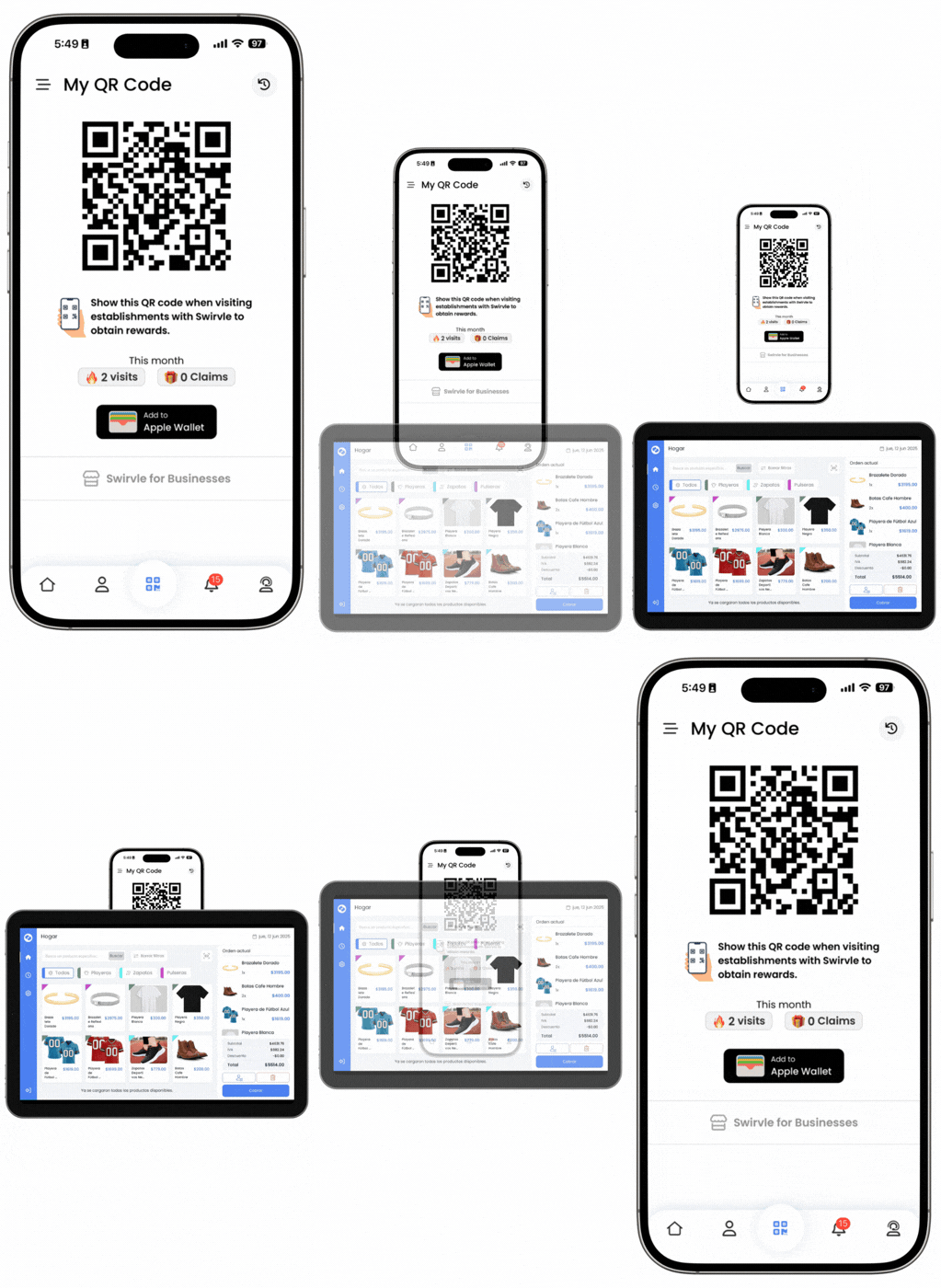
That customer who used to come in every Friday to eat hasn't shown up in a month. Nobody warned you. A normal point of sale only charges; Swirvle's has loyalty built right in: you register the customer during the same transaction by scanning their Swirvle QR code, and the system messages them when they stop coming. Available from the Standard plan; with the Premium plan, also via WhatsApp.
Look for the one who left
Swirvle writes to the one who stopped coming, in both plans.
Customer base from the cash register
Every customer you register at checkout is added to your list so you can send them promotions.
Automatic coupons
After the sale, the coupon for their next visit is issued. With the Premium plan, it is also sent via WhatsApp.
Points from the same POS
Your cashier registers the points at checkout, without any paper cards.
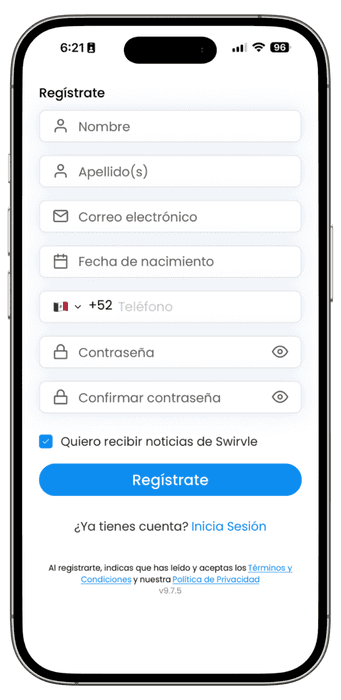
This is how it works for your customer

Results in businesses that register their customers
+38%
in average ticket
+15%
in visit frequency
+65%
in billing
In businesses with more than seven months on Swirvle that actively register their customers (comparing their first months with the most recent ones).
Registration takes seconds and is part of the checkout process. It works if your team does it with every sale. During activation, we'll get it up and running with your first registered customer.

Testimonial
Mimi and Jaime
Brunch Brunch · Swirvle clients
Requirements
Before scheduling, let's make it clear
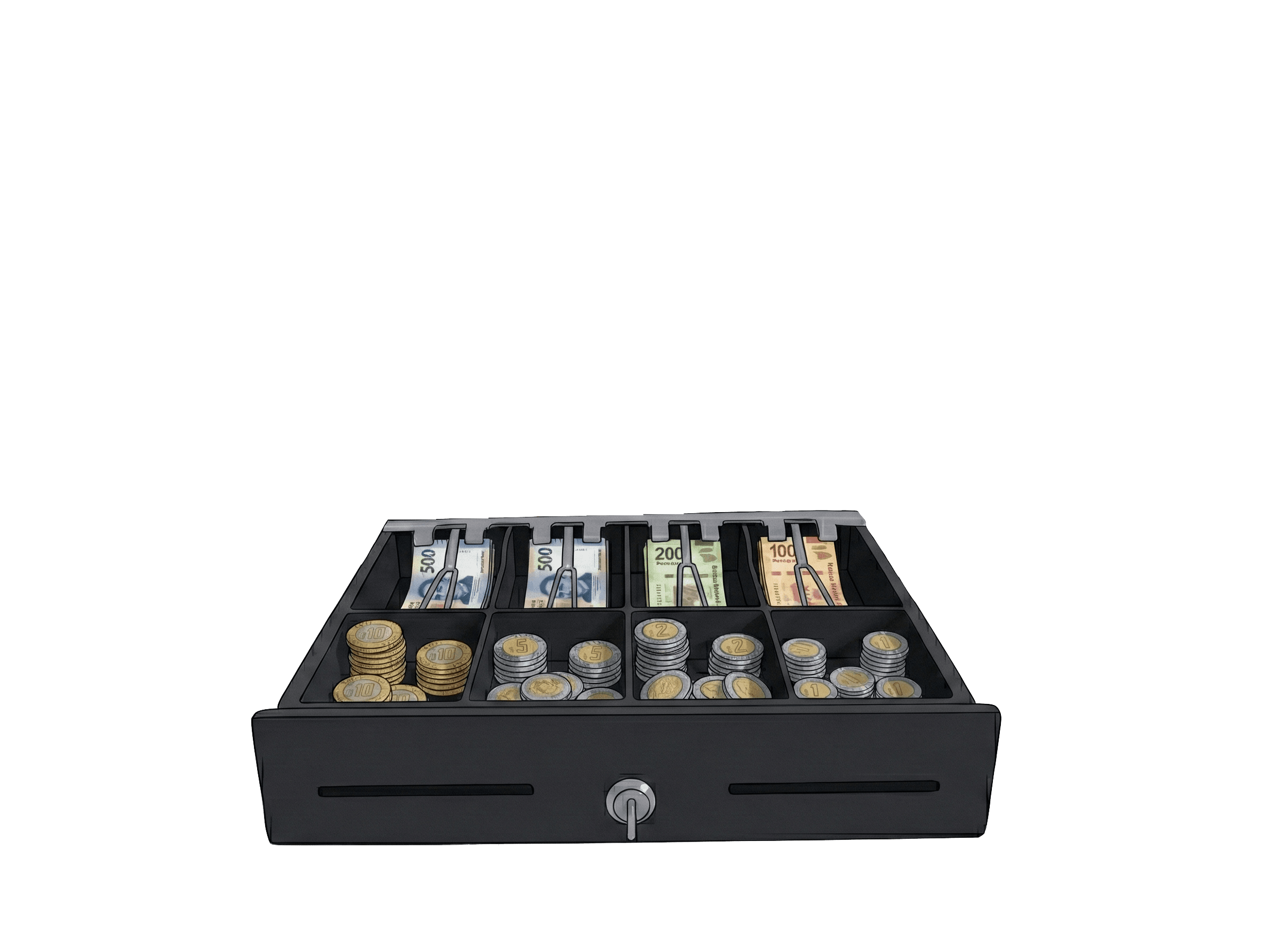
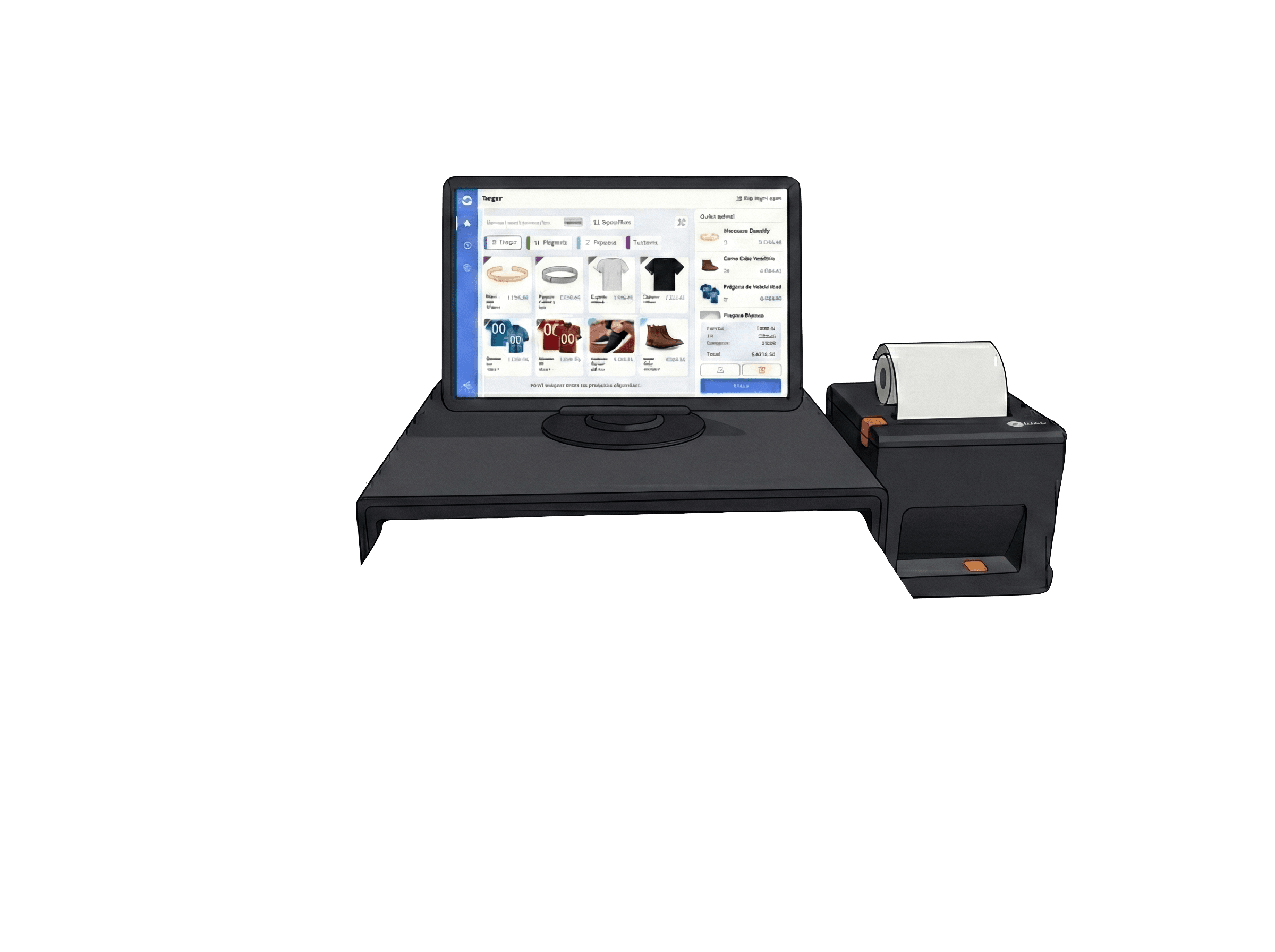
An Android tablet of 10.8″ or larger
Don't have them? We sell tablets, POS equipment, scanners, and thermal printers. We can provide a quote during the demo.
Internet
Swirvle requires a connection to process payments. It does not have an offline mode.
Card payment charged separately
Swirvle does not process payments. If you need a terminal, the only one we offer is from Mercado Pago.
Fast service, no table map
For now, there is no table map, kitchen display system (KDS), or mobile ordering device. It works best for small and quick-service restaurants.
Have your team register the customer
Loyalty works if every sale leads to your customer. Registration is done during checkout and takes seconds.
Price
How much does a restaurant POS system cost?
$1,199/month per location with VAT included, with a PIN for each server and no per-user fee. Activation is a one-time payment of $2,499 (free if you pay annually), CFDI self-invoicing is optional for $249/month, and if you don't have the hardware (tablet, kitchen printer, scanner), we can quote it separately. Your point of sale and loyalty program in one: no paying for a separate app.
Annual payment: 15% discount and the $2,499 activation is free
How many sales recoveries pay for your plan?
Visits = price ÷ your average ticket, rounded up.
Plan
Sample ticket $250
Standard POS + CRM
$1,199/month
5 visits per month
POS + CRM Premium
$1,799/month
8 visits per month
This is an example account, not a guaranteed result. It only counts visits from customers who were not going to return anyway, and it depends on your average ticket size and your team registering customers with each sale.
One-time activation fee of $2,499 VAT included: Our onboarding team migrates your data and your menu, including all modifiers, sends you your welcome kit, and completes the basic setup. We leave it up and running with your first registered customer. Free if you pay annually.
No mandatory term. 10% semi-annual discount; 15% annual and free activation.
Optional self-billing: +$249/month in either of the two plans; stamps sold separately.
From demo to getting paid in 3 steps
1. 15-min Demo
Tell us how your business works, see the POS in action, and leave with your quote.
2. Activation
Our onboarding team will migrate your menu with modifiers and get the basic setup ready.
3. First registered customer
We'll leave it up and running with your first registered customer. From there, your team charges and registers each customer during the same checkout process.
FAQ
Frequently Asked Questions
Collect payments quickly today and keep them coming back tomorrow
In 15 minutes, you'll see the POS processing a payment with a menu like yours, how to register your customer during that same payment, and you'll leave with your quote.
Starting at $1,199/month per branch, VAT included. With an average ticket of $250, just 5 recovered visits a month pays for it.