Can fake Google reviews be removed and how do you request it? We explain when Google accepts the report and the step-by-step procedure for your small business.
The worst piece of advice on this topic is also the most frequently repeated: "if the review is fake, Google will remove it." It doesn't work that way. Google only removes it when it violates a verifiable policy, and if the violation is confirmed, it stops appearing on Google Maps and Search according to official policy. For a coffee shop, a restaurant, or a barbershop, the difference between a negative review and a reportable review isn't semantic—it's operational.
A business owner looking to manage their reputation needs to think along two tracks: responding to what was genuinely a real experience, and reporting what crosses the line into spam, conflict of interest, impersonation, personal data, or manipulation. If you also want to develop your local presence seriously, it pays to align this process with a broader business strategy, such as learning local SEO step by step, because reviews don't exist in a vacuum—they directly impact visibility, clicks, and conversions.
What Google does remove—and what it never will
Google won't delete a review simply because it's inconvenient. If the critique describes a real experience, even if harsh, it usually stays. If the review violates a specific policy, then it can be reported and, if Google confirms the infraction, removed from Maps and Search as stated by Google.
The line that actually matters
The practical difference doesn't hinge on whether the review is negative, but on whether it breaks a rule. A customer stating that their coffee was served cold, that the kitchen took too long, or that their haircut was botched does not make the review removable on its own. In contrast, a fabricated review, one written by a competitor, paid for with an incentive, or accompanied by personal data clearly enters reportable territory according to its user-generated content policy.
This also includes coordinated attacks to harm another business, incentivized reviews, review gating (soliciting only five-star ratings), and content that uses the review to dox phone numbers, private names, or information unrelated to the service provided. Google does distinguish between an uncomfortable complaint and a policy violation.
Helpful rule of thumb: if all you can say is "I don't like it," that isn't enough. If you can point to a specific policy that was breached, you have solid grounds to report it.
The costliest mistake is fighting every single negative comment. A barbershop receiving legitimate criticism for a poorly executed fade gains nothing by trying to delete a genuine opinion. Similarly, a café with a complaint about slow service won't improve its reputation by forcing a baseless report.
What the business should actually do
The right course of action depends on the violation, not the frustration. If someone left five stars in exchange for a discount, posted a review without ever stepping foot inside the premises, attacked a competitor, or exposed private data, there is valid reason to request a review. If the feedback merely mentions that the food arrived lukewarm or that the service was slow, the correct response is typically public and professional—not an improvised report.
For a Mexican small business, this distinction saves time and prevents weak claims. First, cross-reference the review against a specific policy. Then, decide whether to reply or report. Only then do you escalate. If you also want to build your local presence with clear criteria, learn local SEO step by step.
The six real reasons Google accepts a report
Google accepts a report when the review falls under a concrete violation. The debate isn't whether the owner took it badly, but whether it breaches a verifiable policy. For a café, restaurant, or barbershop, the situation almost always falls into one of these six scenarios.
Quick decision framework
Category | Key Identifiers | Example in a LATAM SMB |
|---|---|---|
Spam or fake content | Repeated text, mass posting, or an opinion that does not reflect a genuine experience | A new profile leaves the identical comment across multiple branch locations |
Conflict of interest | Employment, commercial, family, or competitor relationship with the business | A local competitor posts a review specifically to harm a barbershop |
Incentives or payment | Perks or compensation provided in exchange for a positive rating | A salon offers a free manicure in exchange for a five-star review |
Off-topic | Focuses on subjects unrelated to the actual service received | A review mixes in politics, personal attacks, or issues external to the business |
Offensive language or harassment | Insults, threats, or hostile, abusive content | A customer writes verbal attacks rather than describing the service |
Personal data or impersonation | Exposes phone numbers, private names, or pretends to be someone else | A review posts the owner's personal cell number or uses a fake identity |
Google considers paid or incentivized reviews to be fake or manipulated—even if the incentive is a discount, a free product, or a complimentary service—according to official policy. It also prohibits requests exclusively asking for positive reviews, as well as posts aimed at sabotaging a competitor.
What does not belong on this list
Genuine criticism, however harsh, does not become fake just because it hurts. If a restaurant served cold food, that shared experience has the right to remain visible. If a coffee shop was slow, the review can still be legitimate. If a barber messed up a haircut, the comment won't disappear simply because it damages the brand's image.
A reportable review isn't defined by an owner's anger; it is defined by a demonstrable policy breach.
The right approach to these six categories begins with a single question: can the violation be proven using verifiable facts? If the answer is yes, you have grounds to flag it. If the answer is no, it's best to post a public response and continue with your standard customer service workflow.
Step-by-step process within Google Maps and Google Business Profile
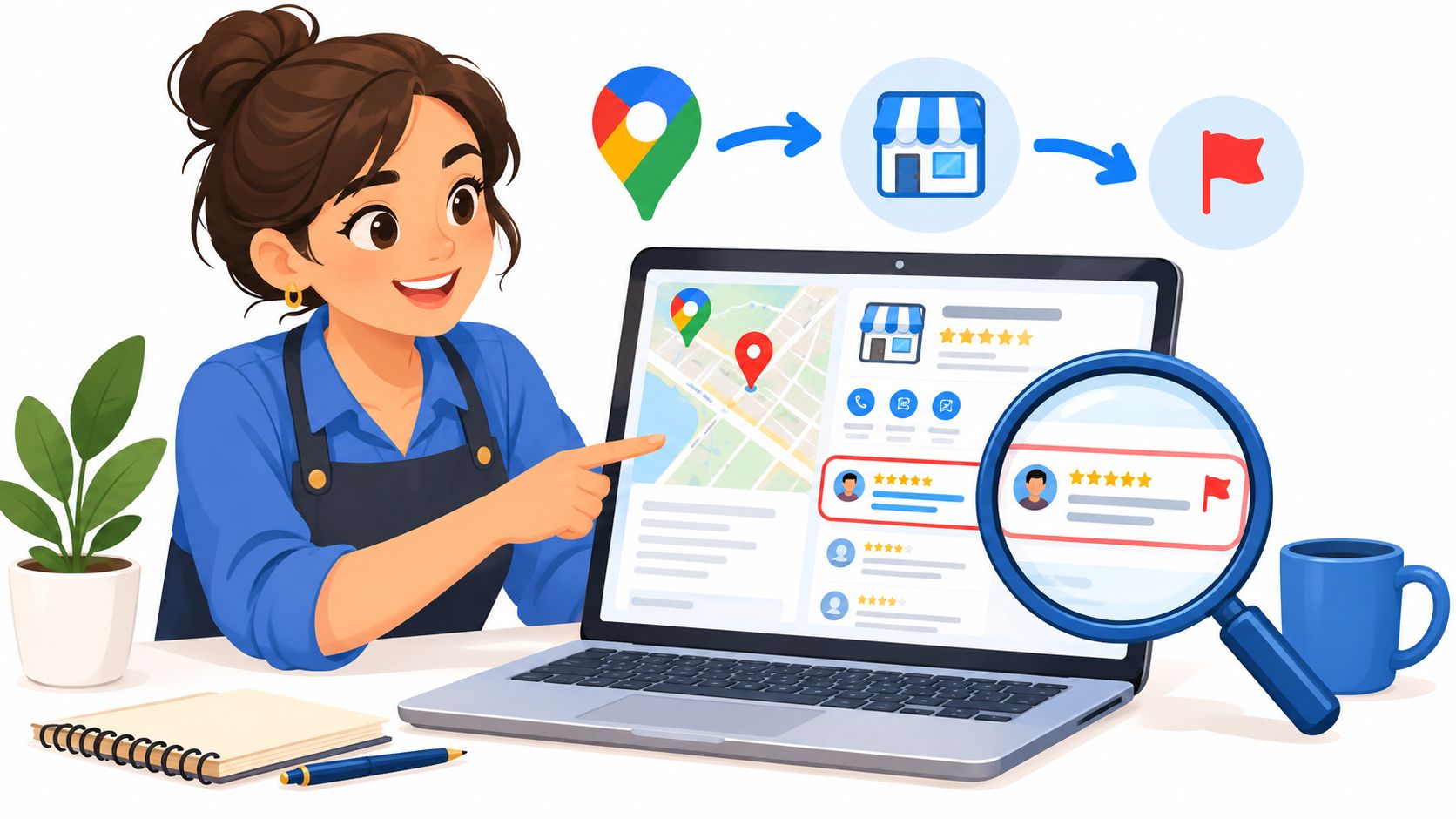
The technical process is straightforward, but it requires precision. If the business owner logs in under the correct account and selects the right reason, the report is far better structured from the start, as Google outlines.
The exact steps
Open Google Maps or Google Search using the administrator account for the Business Profile.
Locate the specific review.
Select "More" and then "Report review".
Choose the category that most accurately describes the violation.
Submit the report and retain internal documentation of the case.
If management relies on the review management tool, the email account must match the correct profile, and the action must be performed from the right location. This avoids cross-reporting across different branches—a very frequent mistake among small multi-location chains.
Best practice: before clicking "Report", open the correct business listing and verify that the review belongs to that specific location. A misdirected click weakens your entire case file.
The most common mistakes that invalidate a report
Reporting solely on the grounds of "I don't recognize this customer" is rarely enough. Retaliating by publishing the reviewer's personal data is equally counterproductive, as it can constitute an additional policy violation on your part. Furthermore, submitting a report without tying the facts to an explicit category usually results in a rejected claim, even if the comment is genuinely aggravating.
For a barbershop, a salon, or a restaurant, the proper order is simple: review, categorize, report, wait. Later, if the report is declined, you can refine the category and strengthen the evidence. Do not improvise.
For anyone wanting to optimize their listing and streamline reputation management from the ground up, conducting an audit of your business profile and your review response strategy helps ensure your process doesn't rely on a single removal request. As an internal operational benchmark, you can also consult this resource on Google Business Profile for restaurants, especially when managing multiple locations or high comment volumes.
How to build an evidence file that Google will actually take seriously
A strong dispute doesn't stem from emotion; it is built on evidence. Google gives far more weight to a case that outlines facts matching an explicit category than to an emotional, generic complaint about brand reputation, according to its own guidance.
What to save before submitting a report
Direct review URL, copied directly from the permalink.
Screenshot showing the date, to establish a timestamp of when it appeared.
Author's name and profile, including their profile picture if present.
Date and time of publication, logged into your case file.
Internal records, such as nonexistent sales records, lack of booking records, missing receipts, or non-matching security footage.
Related communications, including direct messages, emails, or extortion attempts.
Useful template for the submission form
A solid description reads like this—free of drama and unnecessary rhetoric: "We request a review due to a conflict of interest or fake content. The review posted at this URL does not correspond to any registered visit; there is no matching purchase or reservation record, and the text indicates an experience that never took place. Attached are a screenshot, timestamp, author profile details, and internal evidence supporting this request."
This phrasing is effective because it focuses strictly on verifiable facts rather than abstract grievances. Merely stating that "this review harms my reputation" is weak. Stating that there was no transaction, no visit, and that the review mirrors other suspicious posts fundamentally changes the case.
Golden rule: if an attorney or a manager cannot read your file and understand what happened within sixty seconds, the report is not ready yet.
What you should never include
There is no need to insult the reviewer or reveal their private information. Nor does it help to fill the form with angry rants or vague statements. What drives an effective review is precision, not indignation.
For businesses needing broader operational structure, tracking clients, visits, and incidents through a CRM system helps substantiate your file and detect broader patterns. A company looking to tie reviews back to receipts, branch locations, and marketing campaigns can rely on equipment available at Swirvle as a helpful operational reference in daily management, provided customer data remains private and internal traceability is maintained.
Public replies, escalation, and when to step outside of Google
Reporting a review does not replace responding to it. An SMB that leaves a suspicious review without a public answer loses control of the narrative, even if Google ends up taking it down later. The reply must remain brief, neutral, and devoid of private details.
The right response
If the review cannot be matched to any identifiable customer visit, the public reply can be concise: "We cannot locate any record matching your visit. If you would like to provide more details, please reach out to us through a private channel so we can investigate." This safeguards the business while preventing unsubstantiated accusations of fraud.
If Google rejects your report, do not abandon the case or simply repeat the identical steps. The proper approach is to review the chosen category, append further evidence, and resubmit for reconsideration via your Business Profile. When a review genuinely reflects an actual experience—even an unpleasant one—the resolution is not deletion, but an effective response.
To polish this approach, consult this guide on how to respond to a negative Google review without losing customers, as many PR crises escalate due to impulsive initial replies.
When to escalate beyond Google
There are three scenarios where the issue goes beyond platform policies. The first involves misleading advertising or an organized smear campaign entering consumer protection territory. In Mexico, Profeco directs false advertising complaints to denunciapublicitaria@profeco.gob.mx and general merchant reports to denunciasprofeco@profeco.gob.mx, and complainants are not required to furnish proof or personal details according to Profeco.
The second is extortion. If an individual threatens to post additional negative reviews unless paid, offered discounts, or provided complimentary services, preserve all messages, phone numbers, profiles, timestamps, and payment requests, and seek legal counsel or file a police report instead of negotiating, as advised by Google's official guidance.
The third is impersonation, fraud, or the unauthorized dissemination of personal data. At that point, the conversation ceases to be about reputation management and becomes a legal matter.
Extortion, coordinated attacks, and a preventive protocol for SMBs
Most guides stop short right here. They focus on an isolated review and overlook the scenario that harms small businesses the most: a coordinated smear campaign or escalating blackmail. In a single location, it disrupts daily operations; across multiple branches, it damages sales, scheduling, and team morale all at once.
Red flags that should trigger an alert
A coordinated attack leaves distinct footprints: brand-new user profiles, reviews published in tight clusters, repetitive phrasing, zero transaction history, and simultaneous negative ratings across different branch profiles. If these are paired with demands for money, discounts, or perks to "take down" the reviews, this is no longer just negative feedback—it is extortion.
Google recognizes these behavioral patterns and provides dedicated submission workflows to report review-related extortion attempts. Keep this documentation in your records alongside screenshots and direct links to the incidents.
Deleting a single review will not stop a coordinated attack. The real danger lies in the underlying pattern, not in an isolated post.
A weekly protocol that stands up to scrutiny
Branch-level audit: reviews for each location are audited separately on a weekly basis.
Policy classification: categorize whether an issue involves spam, conflict of interest, paid incentives, offensive language, or private data.
Incident documentation: log each suspicious review with its URL, screenshot, timestamp, and supporting internal evidence.
Spike monitoring: if multiple similar reviews appear within a short window, group them as a coordinated pattern.
Threat logs: if messages demand money or free services, archive all records and avoid replying impulsively.
To keep your customer support teams aligned during these situations, review the different types of customer service and establish which channel handles each touchpoint. This prevents routine complaints from getting tangled up with malicious pressure or threats.
The advantage of this structured approach is clear: reputation management stops being reactive and becomes an organized workflow backed by evidence, categorization, and formal replies. A CRM offering automation, segmentation, and internal activity logs—such as Swirvle—helps link receipts, visits, and marketing efforts without compromising customer privacy. It won't delete reviews automatically, but it systematically structures your evidence and response workflows.
What not to do
Never negotiate publicly. Do not purchase fake positive reviews to mask the issue. Avoid arguing with the reviewer in public comments. And do not treat each review as an isolated incident when behavioral patterns clearly indicate an organized effort.
Your 72-hour checklist after spotting a suspicious review
The first few hours define the trajectory of the issue. If an owner reacts with calm, methodical steps, the resolution improves; if they act on impulse, matters get worse.
First 24 Hours
Document the URL, screenshot, date, time, and author's profile.
Verify whether there is any associated visit, sale, or reservation.
Classify the case: is it an authentic customer review or a policy violation?
If extortion is involved, preserve all correspondence and refuse demands for payment.
Next 24 Hours
Report the review to Google under the exact matching category.
Publish a concise, professional reply that avoids disclosing private data.
If multiple related reviews emerge, compile them into a pattern incident file.
At 72 Hours
Check the status of the submitted report.
Re-evaluate the category selection if the initial appeal was rejected.
Escalate to consumer authorities or legal counsel if it involves false advertising, identity theft, or extortion.
The right question isn't "can this be deleted?" The useful question is "which policy did this violate, how can it be proven, and what is our strategy if Google does not take it down?" When a business answers these questions with discipline, it moves away from case-by-case panic and begins treating reputation management as a measurable business process.
Swirvle enables small businesses to turn reputation management into an operational framework through customer tracking, campaign tools, and multi-location management. If your business needs to systematize reviews, customer visits, and case documentation without improvisation, visit Swirvle to discover how to centralize this entire workflow within a single platform.
Related Blogs

Oct 16, 2026
Can fake Google reviews be removed and how do you request it?

Oct 15, 2026
What are WhatsApp Business labels used for and how do you use them?

Oct 14, 2026
How to do a cash register closure step-by-step in a small business?

Oct 13, 2026
How to respond to a negative Google review without losing customers: The BLUF Guide

Oct 12, 2026
What birthday promotions can a restaurant offer to make customers come back?

Oct 11, 2026
How to set up a WhatsApp loyalty program for my business?