Optimize your small business with a point of sale with inventory. Discover how to control your stock, increase sales, and make smart decisions. 2026 Guide.
A point of sale with inventory deducts stock upon checkout and can alert for reordering. The focus of this guide is that flow —not a generic treatise on "the future with AI." For inventory software as a category or the daily log, see inventory software and inventory record.
How a sale flows: from checkout to stock deduction and reorder alert
The cashier adds the product (and modifiers) to the ticket.
Payment is collected and the sale is closed.
The system deducts units (or recipe/combo ingredients if configured).
Stock levels are updated and ready for the next ticket and for reports.
If you cross the minimum threshold, the reorder alert / low stock list appears.
Purchase entries increase the stock.
The end-of-day reconciliation reflects sales and inventory impact without manual rebuilding.
That is what makes a POS with inventory different from checking out in one system and counting in Excel. Conceptual basis: what is a POS. Product: Swirvle POS.
What is a point of sale with inventory and why is it key for your business
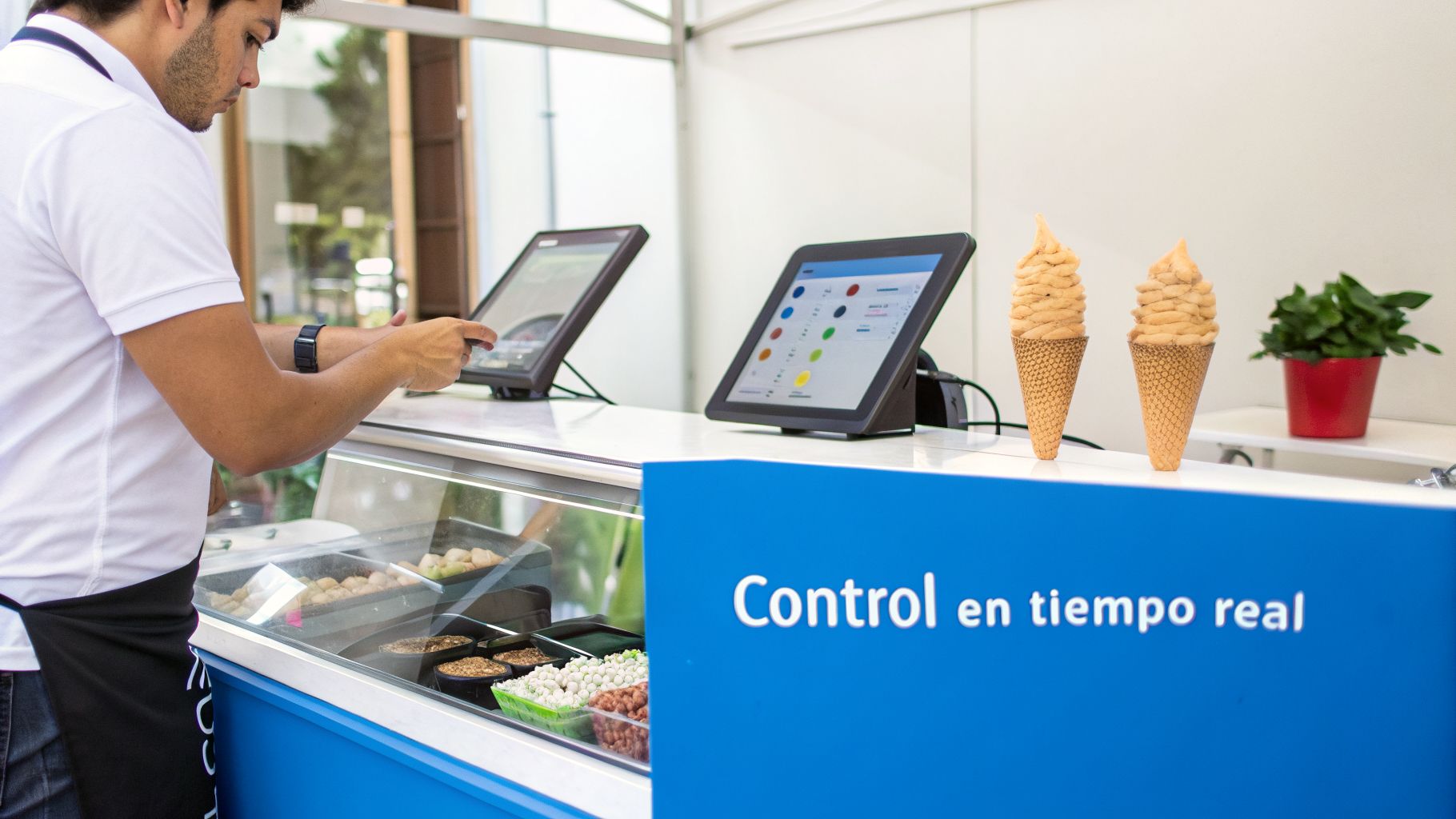
For a long time, the cash register and inventory spreadsheets lived in parallel universes. This separation generated a constant gap that translated into human errors, lost merchandise and, in the worst cases, lost sales due to lack of stock. Today, a point of sale with inventory integrates these two worlds into a single, intelligent platform.
The mechanism is simple but powerful: every time you make a sale, the system automatically deducts the corresponding products or ingredients from your inventory. This immediate synchronization is what changes the rules of the game.
A modern point of sale system goes far beyond processing payments. It functions as the operational brain that offers you full visibility of your business, from the transaction at the register to the last item in your warehouse. This allows you to manage proactively, not reactively.
This responsiveness has a direct and tangible impact. For an ice cream parlor in Mérida, Yucatán, it means knowing that the coconut flavor, its top seller, is about to run out just before peak heat hours, giving them time to restock. For a pharmacy in the State of Mexico, it implies precise control over expiration dates, minimizing medication waste.
The difference between just checking out and truly managing
The key distinction lies in the intelligence backing each operation. While a traditional terminal is limited to processing a payment, an integrated point of sale with inventory gives you a 360-degree view.
To better illustrate this qualitative leap, let's look at a direct comparison:
Traditional System vs. Point of Sale with Integrated Inventory
Operational Aspect | Traditional System (separate) | Point of Sale with Inventory (integrated) |
|---|---|---|
Stock Control | Manual, periodic, and error-prone. | Automatic, in real time with each sale. |
Visibility | Fragmented. You don't know what you have until you do a count. | Centralized and instant, even across locations. |
Decision Making | Based on intuition or outdated data. | Based on sales reports and product turnover. |
Purchase Orders | Manual and slow process. Guessing when and how much to order. | Automated with low-stock alerts and suggestions. |
Efficiency | Consumes a lot of time on administrative tasks. | Frees up staff to focus on sales and customers. |
Losses (Shrinkage) | High due to undetected theft, expiration, or poor handling. | Significant reduction by tracking each unit. |
As the table shows, the difference is not minor; it is a fundamental shift in how you operate and, ultimately, in how profitable you can be. You go from reacting to problems to anticipating them.
This evolution from simply checking out to integrated management is increasingly a necessity. In fact, the market for point-of-sale devices with these capabilities in Mexico reached a value of 243.8 million dollars in 2024, and is projected to reach 594.1 million by 2033. This growth is mainly driven by SMBs which, representing 99% of the country's businesses, are desperately looking for ways to optimize their operations.
A unified system, which can also incorporate tools like loyalty programs and CRM, turns raw sales and inventory data into clear strategies to improve profitability. For a barbershop in Puebla, this translates into something as simple as never running out of its best-selling styling wax, ensuring recurring sales and happy customers.
In essence, if you really want to understand what is happening in your business, you need much more than a simple terminal. If you still have questions about the basic concepts, you can explore our guide on what points of sale are and how they work.
Features that truly transform your daily operation
A well-implemented point of sale with inventory system is much more than a modern cash register. It becomes the central nervous system of your business, a suite of tools working in coordination to fine-tune every aspect of your operation. They are not mere tech ornaments; they are direct solutions to the headaches SMBs face every day.
The real power lies in unification. Forget about having data scattered in spreadsheets, notebooks, or worse, in multiple programs that don't talk to each other. Here, all your critical information lives and breathes in one single place. This allows you to stop putting out fires and start designing strategies with a clarity that was previously unthinkable.
Real-time stock control with automatic alerts
The most basic, yet perhaps the most powerful, feature is synchronized inventory control. Every time you sell something, the system deducts it from your stock instantly. No more uncertainty and endless manual counts that steal valuable hours from you.
But the magic really happens with low-stock alerts.
How does it work? You configure the minimum quantity so the system flags a product as ready to reorder. For example, a barbershop in Puebla can set an alert to notify when only 10 units of its best-selling styling wax are left.
The result: You receive an automatic notification that prompts you to place a new order long before the product runs out. This way, you avoid those painful lost sales due to lack of merchandise.
This simple configuration is one of the most direct levers to protect your revenue. You ensure that your star products are always available, right when your customers are looking for them.
Multi-location management and transfer traceability
For growing businesses, like chains or franchises, managing inventory across different locations is a massive logistical challenge. A good point of sale with inventory centralizes all information from your branches into a single control panel.
Let's think of a coffee shop chain with a presence in several municipalities in Nuevo León. With an integrated system, the general manager can:
View consolidated stock: Know in seconds the total amount of Chiapas coffee beans across the entire company.
Monitor individual locations: Quickly detect which store is running out of cups or milk.
Execute tracked transfers: Move merchandise from the central warehouse in Monterrey to a branch in San Pedro Garza García, knowing at all times where that product is during transit.
By having the POS and inventory synchronized, I even have traceability in transfers from the warehouse to my branches. This stops losses, discrepancies, and guarantees that each store has exactly what it needs.
Recipe and modifier management for food and beverage
If you run a restaurant, an ice cream shop, or a bar, your inventory is not just finished products, but ingredients. This is where recipe management (sometimes called compositions) becomes indispensable.
For example, a restaurant in Mexico City that sells "enchiladas suizas". The recipe within the system specifies that each order consumes 2 tortillas, 150 g of chicken, 100 ml of green sauce, and 30 g of cheese. When a waiter enters the dish in the POS, the system automatically deducts each of those ingredients from inventory. If the customer asks for "extra cheese," the modifier adds and deducts that additional portion. The result is pinpoint precision regarding actual consumption.
Total unification for an "all-in-one" experience
At the end of the day, the deepest change occurs when the point of sale with inventory merges natively with other key tools. Many businesses suffer from using isolated systems: one for selling, another for stock, a third for loyalty, and yet another for invoicing.
An "all-in-one" system like Swirvle breaks down those barriers. The biggest challenge when separating systems is that tools like the loyalty program do not integrate. With an all-in-one system, you have sales, inventory, loyalty programs, CRM, and even invoicing in a single platform. If you want to delve deeper, you can discover how a POS software with integrated loyalty program boosts repeat visits. This synergy turns cold inventory data into direct and tangible sales opportunities.
The real impact of unifying your sales and your inventory
Let's be clear: integrating your point of sale with inventory control is not just a technical upgrade; it's a business decision that directly reflects on your bank account. Unifying what you sell with what you have available generates results you can measure and, most importantly, feel.
The first and most noticeable effect is the drastic reduction in losses. This type of system tackles head-on two of the biggest financial headaches of any SMB: shrinkage and excess inventory. Shrinkage, those products lost to damage, expiration, or theft, is controlled much better when every item is tracked from the moment it arrives at your warehouse until it passes through checkout. A concrete example is the traceability you get in transfers from your warehouse to your branches, correcting discrepancies and preventing product loss.
On the other hand, there is over-inventory, which is nothing more than money sleeping on your shelves. Imagine you own a grocery store in Puebla. Thanks to turnover reports, you realize that a brand of imported cereal barely moves. With that information in hand, you stop restocking it and use that capital to invest in products that your customers are actually searching for and buying.
More sales thanks to guaranteed availability
One of the surest ways to increase your revenue is to avoid running out of your star products. Every time a customer walks in looking for that popular item and encounters an "out of stock," you don't just lose that sale. Worse, you damage their trust and push them to seek out the competition.
An integrated system works as a guardian so your best-selling products are always in stock. Automatic alerts for minimum levels warn you before the problem occurs, ensuring your "golden goose" is never missing. The result is simple: you sell more because you always have what to sell.
Optimizing capital is key. By avoiding excess inventory and reducing shrinkage, you free up money that you can reinvest in marketing, opening another location, or improving the customer experience. This creates a virtuous cycle of growth.
The following graphic shows you how these key features —inventory control, location management, and recipe handling— interweave to strengthen your entire operation.
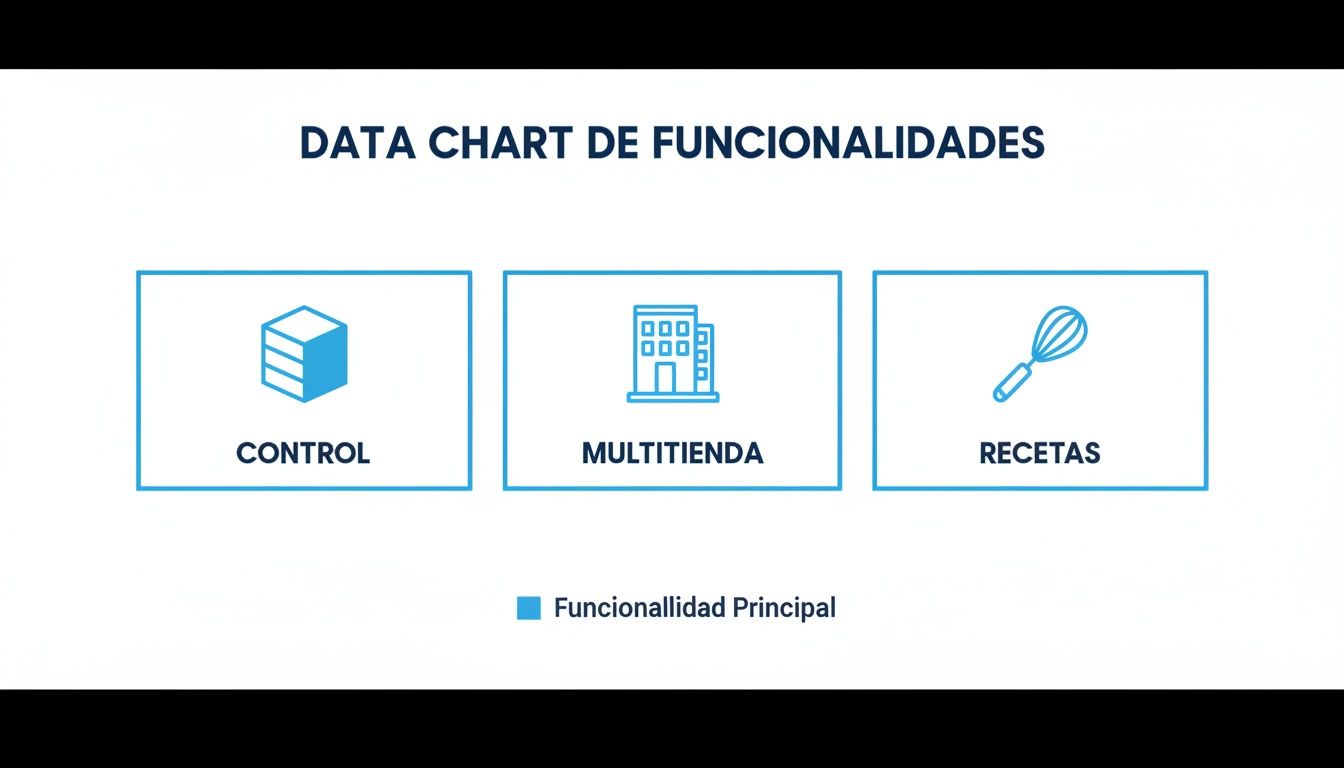
As you can see, stock control is the foundation, but its true potential is unlocked when you combine it with the ability to manage multiple stores and handle recipes or ingredients.
The impact of this integration can be quantified very clearly. The following table shows how critical metrics change before and after adopting a system of this type.
Impact of POS with inventory on key business metrics
Business Metric | Without Integrated POS | With Integrated POS (Estimation) | Main Impact |
|---|---|---|---|
Loss due to shrinkage | 5-8% of revenue | 1-2% of revenue | Reduction of waste and theft. |
Inventory turnover | Low-medium (manual) | High (automatic optimization) | Release of working capital. |
Lost sales (out of stocks) | 10-15% on key products | Less than 3% on key products | Increase in revenue and customer loyalty. |
Time spent on admin tasks | 10-15 hours weekly | 2-3 hours weekly | Focus on strategy and growth. |
Inventory accuracy | 60-75% (manual count) | 98-99% (scanning and sales) | Decisions based on real data. |
These numbers are not just statistics; they represent a healthier, more profitable operation with much greater scaling potential.
Time optimization and smarter decisions
If you are a business owner, you know that your most valuable resource is time. An automated system returns the hours you used to waste on repetitive and exhausting tasks, like physical inventories. For example, setting up an alert for the minimum quantity of products to reorder saves you valuable time and costs. Instead of spending a whole weekend counting boxes in the warehouse, you can use that time to plan your next marketing campaign or look for new suppliers.
Furthermore, data unification transforms your ability to make decisions. By having reliable information on what sells most, at what time, and at which location, your purchase strategies and promotions become incredibly effective. Think of this applied to logistics: a pharmacy chain in Mexico City can see in real-time how high-demand medications are moving and coordinate precise transfers from its central warehouse to the branch that needs it.
This level of visibility allows you to stop relying on intuition and start operating with certainty, backing every move with hard data. If you want to dive deeper into how data can boost your business, we recommend reading our article on data-driven decision making for SMBs.
How to choose the ideal point of sale system for your SMB
Choosing a point of sale with inventory is one of those decisions that can define the course of your business. It is not about buying just another piece of software, but about adding a technological ally to your team that truly helps you grow. With so many options on the market, it is easy to get lost. That is why it is key to have a method to know which one fits what you need and prevent issues down the line.
This guide is designed to help you make the best decision, whether you are about to open your first coffee shop in Yucatán or are already expanding your pharmacy chain in Baja California. We are going to analyze the factors that really matter, beyond the price, so you can find a tool that brings real value to your day-to-day.
1. Specialization by industry and line of business
Not all points of sale were created equal. A system designed for a clothing store won't be of much use to a restaurant, and vice versa. The first filter, and the most important one, is that the software understands your type of business.
For retail: You need features like variant management (sizes, colors), a fast barcode scanner, and the ability to manage different suppliers. Think of a shoe store in León, Guanajuato: it is vital to control inventory by model and shoe size, something a generic system simply does not do well.
For food and beverage: Here, recipe, modifier, and ingredient management are indispensable. A restaurant in Mexico City, for example, needs a system that automatically deducts onion, cilantro, and avocado from a taco order, including when the customer asks for "extra guacamole." An ice cream shop in Yucatán needs to control bases and toppings with pinpoint precision.
2. Scalability: Will the software grow with you?
Imagine your business in three or five years. Do you plan to open more locations? Maybe expand with a franchise model from Nuevo León to the rest of the country? The point of sale system you choose today must be able to accompany you in that growth, not become a bottleneck.
A scalable software is one that can handle without issues:
Multiple locations: Centralizing sales and inventory information from all your stores in a single panel.
More users: Allowing new employees to join the team without slowing the system down.
Higher transaction volume: Processing more sales quickly and stably as your business takes off.
3. The power of native integrations and the "all-in-one" approach
Having one program for selling, another for inventory, one more for loyalty, and an Excel sheet for reports is a recipe for chaos. This fragmentation creates information silos that prevent you from seeing the complete picture of your business, a mistake many business owners realize too late.
One of the biggest challenges when using separate systems is that your point of sale does not "talk" to other key tools, like your loyalty program. This forces you to manage two databases, missing golden opportunities to reward and retain your best customers.
This is where an "all-in-one" solution makes a world of difference. A system like Swirvle, which already integrates sales, inventory, CRM, loyalty programs, and even invoicing out of the box, eliminates these problems at the root. It centralizes your entire operation, saves you costs, and makes data flow seamlessly between all areas.
4. Local technical support and ease of use
When your point of sale fails in the middle of peak hours at your Mexico City location, the last thing you want is to wait hours for a reply or talk to someone who doesn't understand your problem. The type of technical support is a deciding factor. Does the provider have a team that knows the specifics of the Mexican market? Can they help you from Monterrey to solve an issue anywhere in Latin America? Local support in Spanish is a guarantee of quick responses and solutions that work.
Ease of use is just as important. An intuitive system reduces employee training time and minimizes errors, which translates into faster service and happier customers. Before committing, ask for a demo and see for yourself how easy it is to perform day-to-day tasks.
5. Cost-benefit analysis beyond the initial price
It is very tempting to go for the cheapest option, but this is a classic mistake. The real analysis should focus on the return on investment (ROI). A system that might cost a bit more, but saves you 10 hours a week in administrative tasks and reduces your shrinkage by 5%, pays for itself in a matter of months.
Evaluate the total cost of ownership: not just the monthly fee, but also potential transaction fees, hardware costs, and updates. Before deciding, make sure you understand all costs; as a reference, you can use our guide to choosing a computer for point of sale.
The power of data to optimize your buys and sales
A point of sale with inventory is much more than a modern cash register. It is, in reality, an intelligence hub that gathers data with every transaction. Every sale, every product you scan, and every ingredient you deduct from a recipe generates information. If you learn to interpret it, you will have in your hands the most precise guide to making important business decisions.
The leap from operating purely on intuition to managing with concrete data marks the difference between a business that simply survives and one that actually grows and scales. It is not about becoming a big data expert overnight; current systems are designed to translate that information into simple reports that anyone can understand and, most importantly, use.
Your daily command center: the dashboard
Your day should start with a quick visit to your point of sale's dashboard. Think of it as a pilot's instrument panel: it shows you the vital indicators of your operation in real time. Instead of getting lost in complex metrics, focus on the quantity and minimum quantity of your products and ingredients. Having these two numbers in sight directly influences your purchase planning.
This daily review helps you avoid the two most costly mistakes: over-inventory, which freezes your money in the warehouse, and shortage, which makes you lose guaranteed sales. If you are just starting out, our guide on inventory records is an excellent starting point.
A successful business owner doesn't just look at what sold yesterday. They daily check the quantity and minimum quantity of their products and ingredients to anticipate what they need to sell tomorrow. Your dashboard offers you exactly that forecasting capability.
From reports to strategic action
Beyond the daily review, inventory turnover reports are your tool for medium and long-term strategy. These reports allow you to classify your products, commonly known as "ABC analysis," so you know exactly where to put your focus and money.
Star Products (Class A): These are the few items that generate the bulk of your profits. Here, the rule is simple: never run out of stock. Give them priority in your purchases and a preferred spot in your store.
Cash Cows (Class B): These sell constantly, but they are not your superstars. The goal is to maintain a healthy inventory level, without overdoing the investment.
Dog Products (Class C): They have very low turnover and occupy valuable space. Here is where you have to make tough decisions: do you liquidate them with an aggressive discount? Do you bundle them to move them? Or is it time to stop offering them?
For example, a pharmacy manager in the State of Mexico could detect in their reports that certain vitamin supplements are "Dog Products." With that information, they could launch a buy-one-get-one promotion to sell them before they expire and thus free up space for higher-demand products.
Connecting inventory with marketing
The real magic happens when you connect your inventory data with your marketing campaigns, especially if your system includes a CRM module. This is where logistics turns into a direct opportunity to sell more and smarter.
Imagine this practical case: a coffee shop in Yucatán realizes it has an excess of coconut syrup about to expire. Instead of writing it off as a loss, the owner can act immediately.
Segment from the CRM: First, they filter their database to find all customers who have purchased coconut beverages in the last three months.
Create a targeted campaign: They launch an irresistible offer, like a "Coconut Frappé at 50% off," exclusive to that group of customers.
Communicate the offer: Using the same system, they send the promotion via WhatsApp or through a push notification to the selected customers.
Thus, what was an inventory problem is transformed into a precise marketing campaign that not only avoids shrinkage but also encourages customers to return and strengthens their loyalty. In this way, your inventory intelligence has a direct impact on your average ticket and total sales.
The future of inventory management with AI and automation
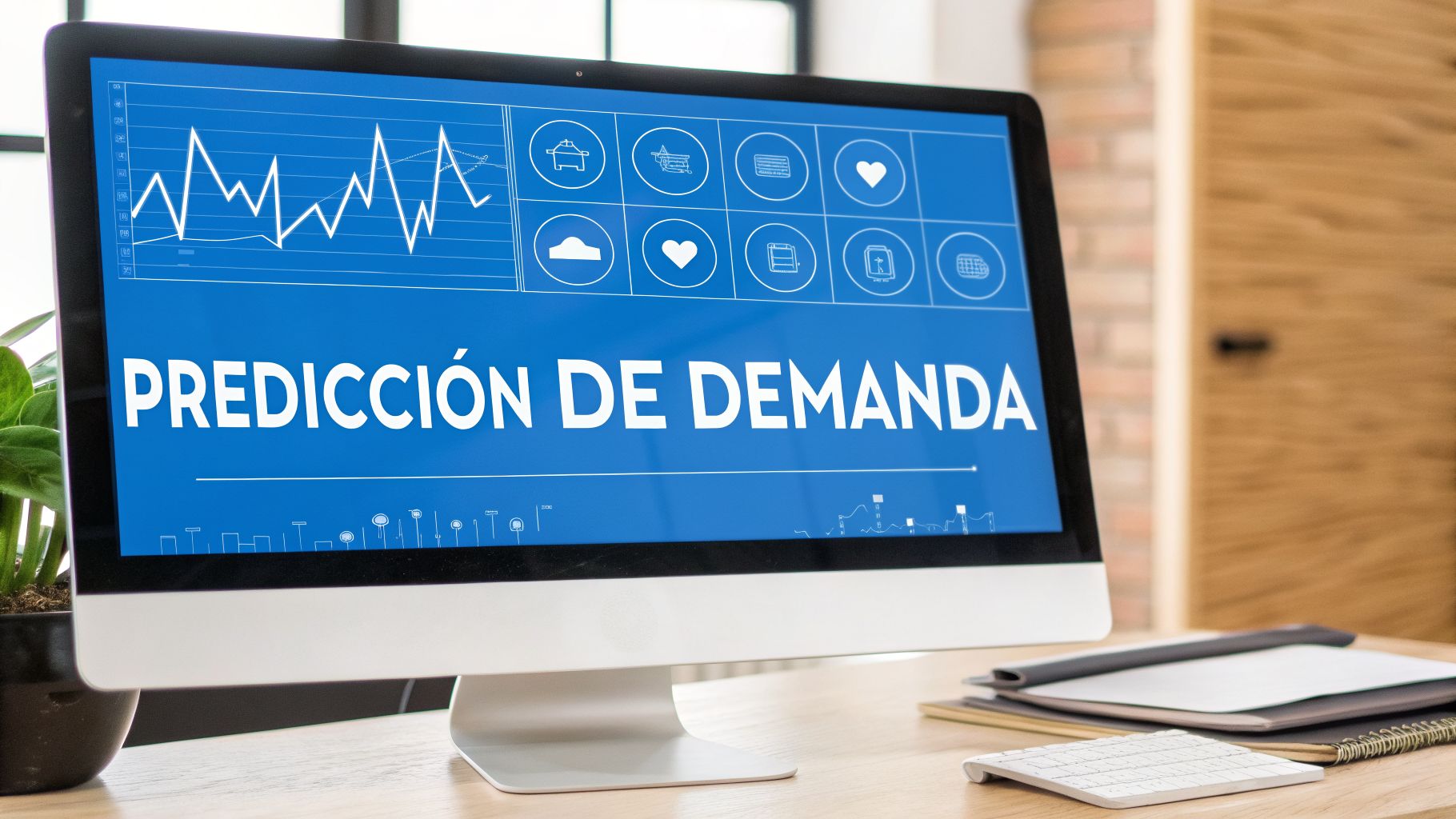
If you thought real-time inventory control was the ultimate goal, it is time to look ahead. Artificial intelligence (AI) and automation are no longer science fiction; they are starting to integrate into point of sale with inventory systems and are taking stock management to a predictive level that, until recently, was only within reach of large corporations.
The game is no longer just about knowing what you have in the warehouse, but anticipating what you will need. This new way of managing inventory focuses on making decisions before problems occur, using your own business data to project the future.
Demand forecasting is the next logical step
The heart of this evolution is demand forecasting powered by AI. Imagine that your point of sale not only logs what you sell, but learns from every transaction.
AI is capable of analyzing complex patterns that would be nearly impossible for a human to detect at first glance.
Sales history: Analyzes which products sold the most in recent months or years to identify underlying trends.
Seasonality: Understands why an ice cream shop in Mérida, Yucatán, sells much more in summer than in the "cooler" months.
Events and trends: Detects sales spikes aligned with holidays, local events, or even a trend that went viral on social media.
By crossing all these variables, the system can forecast your future sales with amazing accuracy. This allows you to plan your purchases and maintain your stock levels in a much smarter way, ensuring you always have what is necessary without freezing your capital in products that do not move.
Order optimization and sales attribution
But artificial intelligence does not just predict, it also acts. With order optimization, your system goes a step further and proactively suggests which products to buy, in what exact quantity, and from which supplier, all based on costs and delivery times to maximize your profitability.
And as if that weren't enough, this technology opens the door to a much clearer sales attribution.
An AI-powered system can connect a sale directly with the marketing campaign that generated it. For example, it is able to determine that a customer bought a specific product after seeing a promotion sent to them via WhatsApp. This allows you to measure the ROI of each marketing effort with total clarity.
Knowing this is crucial to understanding which strategies really work and where you should invest your budget. It allows a store chain in Baja California, for example, to adjust its stock in each branch according to local consumption habits, optimizing distribution dynamically and not just by instinct.
The transformation of the sector is a fact. In Mexico, retail —which groups thousands of businesses that rely on a point of sale with inventory— already represents 10% of the national GDP, a market valued at 3.43 trillion pesos in the second half of 2024. Projections point to a growth of 25% by 2030, and much of this drive will come from the adoption of new technologies. In this scenario, where 52% of consumers already use AI in their shopping, SMBs that adopt predictive tools will have a decisive advantage, as you can read in this retail sector analysis.
The future of inventory management is smart, automated, and predictive. SMBs that ride this wave will not only operate with greater efficiency but will be able to compete head-to-head in a market that increasingly relies on data.
Collect payments and control your inventory in the same system. With Swirvle POS, each sale automatically deducts from stock, you see how much you have left of each product and ingredient, log what you buy from each supplier, and move merchandise between locations. Everything stays in the cloud. Learn about the Swirvle point of sale with inventory →
Frequently asked questions about point of sale with inventory
It is natural to have doubts before taking an important technological step. That is why we have compiled the questions most frequently asked by business owners when evaluating a point of sale with inventory. Here we give you clear, experience-based answers so you can make the best decision.
How difficult is it to implement a system of this type?
The truth is that modern systems, like Swirvle, are designed so anyone can use them. The real challenge is not in the complexity of the software, but in the quality of the guidance you receive.
An implementation can take anywhere from a couple of days to a couple of weeks. What does it depend on? Mainly on how many products you need to load at the beginning and the complexity of your operations; for example, if you manage recipes in a taco shop in Mexico City or have multiple pharmacy branches in the State of Mexico.
The learning curve is usually very short. The key is to choose a provider that offers training and close, local technical support in your language. This way, you and your team will feel confident using the tool from day one.
Can I keep selling if my internet goes down?
With Swirvle, the POS operates in the cloud and requires a connection for the normal checkout and inventory flow. We do not claim offline mode. Ask your provider only if you offer another system; here the honest answer is to plan backup connectivity.
Does it work for a service business that also sells products?
Absolutely. In fact, the most versatile systems are perfect for hybrid business models. Let's look at a practical case: a barbershop or a beauty salon in the State of Mexico.
With the right tool, you can do everything from one single place:
Manage services: Schedule appointments, assign each stylist, and charge for cuts or treatments.
Sell products: At the same time, you can log the sale of waxes, shampoos, or any other item you offer.
Control inventory: Each time you sell a product, the system automatically deducts it from stock.
That ability to handle services and products in a single platform is what truly allows you to have a hassle-free, integrated operation.
Do I need to buy the hardware from you?
Here, the answer depends entirely on the provider. Some require you to use their equipment (tablets, printers, scanners) to ensure everything works smoothly. However, there are more flexible options that allow you to use your own hardware if it meets certain technical requirements.
This flexibility can be a great relief for your pocket, as it allows you to reduce the initial investment by taking advantage of devices you already own. This is a question you cannot forget to ask when comparing options.
Transform your business management with a system that unifies everything. With Swirvle, you don't just get a point of sale with inventory, but also a CRM with loyalty programs, invoicing, and much more, all in one place. Discover how Swirvle can help you grow at swirvlehub.com.
New FAQ
Do I need separate inventory software if my POS already handles inventory?
Often not. If it deducts upon checkout, alerts for minimums, and allows entries/adjustments, you cover the essentials. A separate system makes sense with complex warehouses or when the POS does not control stock. Compare: inventory software.
Related Blogs

Oct 14, 2026
How to do a cash register closure step-by-step in a small business?

Oct 13, 2026
How to respond to a negative Google review without losing customers: The BLUF Guide

Oct 12, 2026
What birthday promotions can a restaurant offer to make customers come back?

Oct 11, 2026
How to set up a WhatsApp loyalty program for my business?

Oct 10, 2026
What Day of the Dead promotions work in coffee shops and restaurants?

Oct 9, 2026
How can I track my business's daily sales?